
Smartphone and wearable
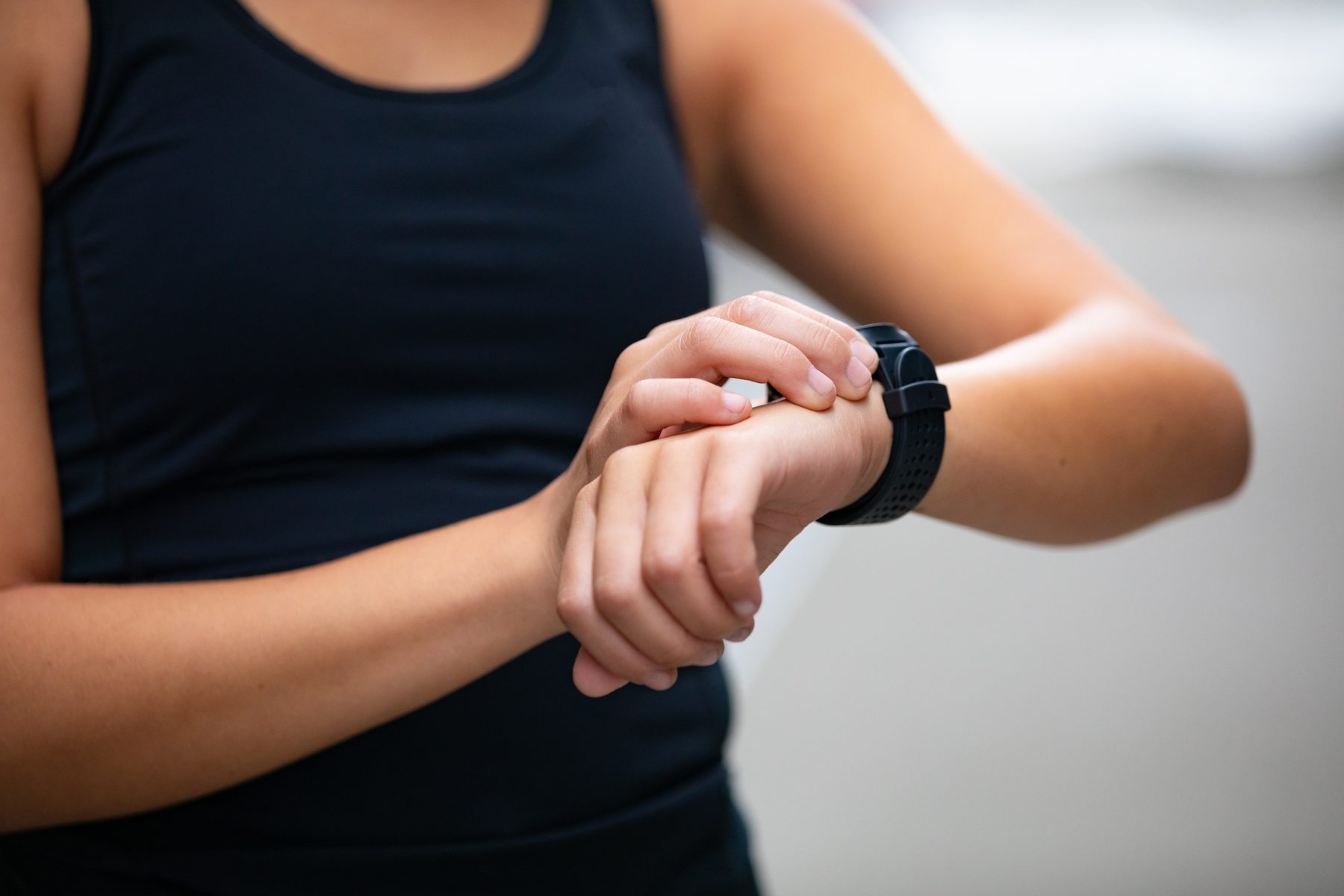
You get the full functionality of the app if you use a wearable such as the Apple Watch in addition to your smartphone. Our app also works with fitness trackers or smartwatches from other manufacturers, provided they can sync with Apple Health. If you don’t own a wearable yet, you can find out here which devices were rated well by Stiftung Warentest (in German). Simple fitness trackers are available from around €40.
Get started in four simple steps:
| Step | What you do |
|---|---|
| 01 Download | First, download actiself from the Apple App Store. If you use an Apple Watch, the watchOS app is installed automatically. |
| 02 Sign up | Then sign up in the app with an email address and a password. We only need your email address to communicate with you about using the app. The password must have at least 8 characters (including upper and lower case letters, a number and a special character). |
| 03 Verify | After signing up, you will receive a code at your email address. Please enter it so that your email address can be verified. |
| 04 Activate | Next, you will be asked for an activation code. You can buy it on our shop page. After your purchase, you will receive an email with your activation code. Enter it – and you’re ready to go! |